PromQL tends to live in two places in a repository: .promql files that people keep next to dashboards and runbooks, and the expr: of alerting and recording rules. In IntelliJ IDEA, GoLand or PyCharm, neither gets any help by default. JetBrains doesn't ship PromQL support, so a .promql file is plain text and an expr: is a YAML string like any other.
How a broken alert slips through
Say you're adjusting a latency alert. You wrap the query in one more aggregation and lose a closing bracket on the way:
- alert: PaymentsSlow
  expr: |
    histogram_quantile(0.99, sum by (le) (
      rate(http_request_duration_seconds_bucket{route="/pay"}[10m])
    ) > 0.75
  for: 10m
The YAML is fine, so the editor has nothing to say. What happens next depends on your pipeline. If CI runs promtool check rules, the build fails, which is the good outcome. If you run the Prometheus Operator with its admission webhook, the PrometheusRule can be rejected when you apply it. If nothing checks the file and it reaches Prometheus as is, the reload fails, Prometheus logs the error and keeps running the rules it already had. Your new alert simply isn't there.
That last case is why prometheus_config_last_reload_successful deserves an alert of its own. It's also why it helps when the editor can read the query while you're writing it.
Checks that don't depend on your editor
Before looking at plugins, two promtool commands that ship with Prometheus are worth setting up whatever editor you use:
promtool check rulesreads your rule files with Prometheus' own parser and reports anything it would refuse. Put it in CI.promtool test rulesruns unit tests for your alerts against input series you define, so you can check that an alert fires when it should.
For writing a query in the first place, the expression editor in Prometheus' own web interface highlights PromQL and completes metric names from the server you're connected to. It's a good place to try a query against real data before you paste it into a rule.
PromQL in the IDE
When we checked in October 2026, two plugins on JetBrains Marketplace read PromQL. Both handle .promql files, so it makes sense to keep only one of them enabled.
PromQL and Prometheus Rules
PromQL and Prometheus Rules by klardaten is free. Its listing describes highlighting in .promql files and in the expr: of rule files, parse errors and type errors while you type with quick fixes, inspections for common mistakes, checks of rule files similar to promtool check rules, and completion of functions, metric names, label names and label values used in the file. If you want the most checking for no money, look at it first.
Oskuvi Metric Queries
We make this one, so weigh what follows with that in mind.
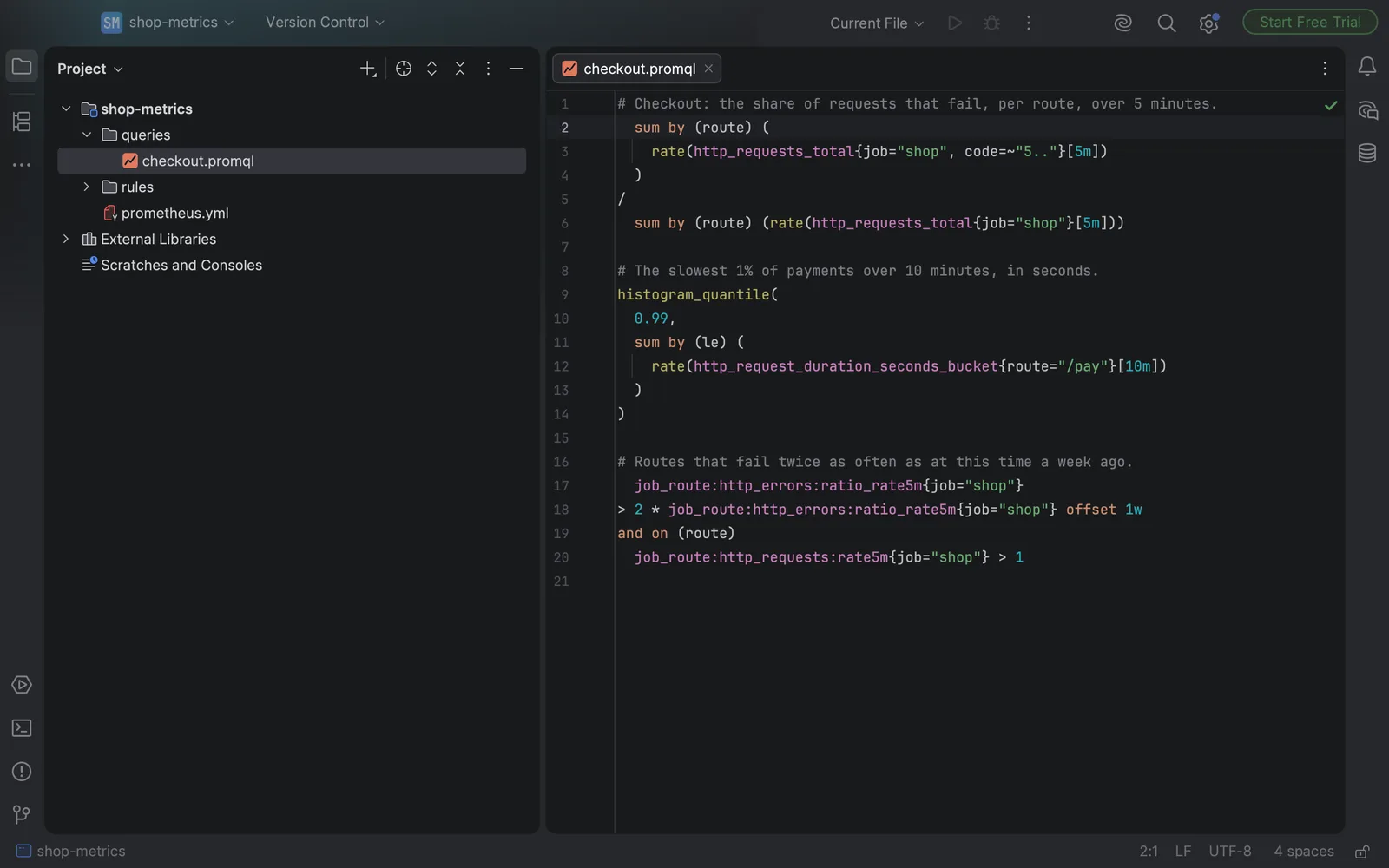
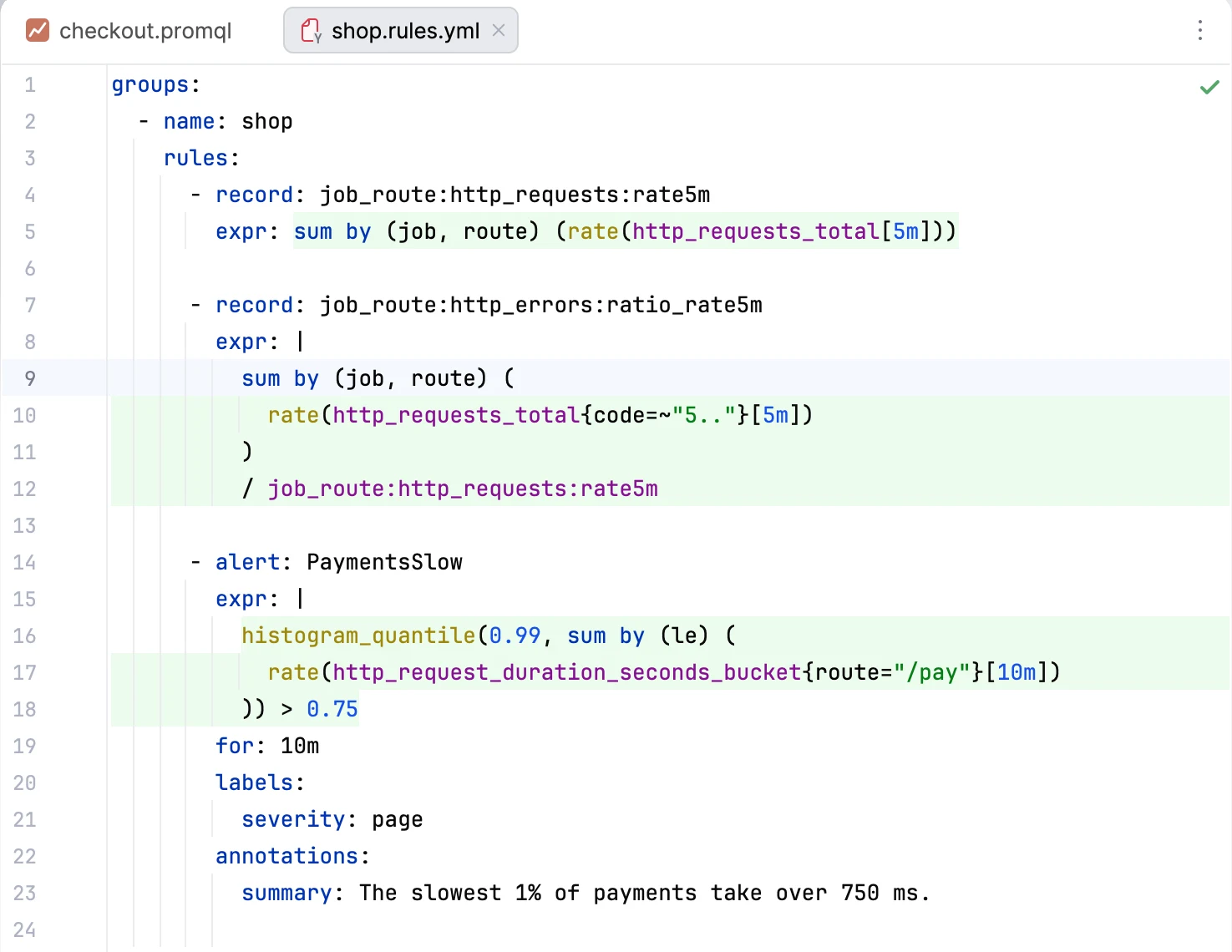
Oskuvi Metric Queries reads PromQL in .promql files and in the expr: of the Prometheus rule files in your project, including Kubernetes PrometheusRule resources and promtool's tests of rules.
Metric names, label matchers, functions, aggregations and their modifiers, durations, numbers and strings each get their own colour, and brackets are matched. The rest of the YAML keeps its own colours.
It also completes functions, aggregations and the series your project's rules record, goes from a recorded series to the rule that records it, and checks for queries Prometheus would refuse. You get 7 days to try it free through JetBrains Marketplace; after that, it needs a licence.
The check would have flagged the missing bracket above, at the place where the query breaks. Its parser was compared with the grammar Prometheus ships for its own web interface, on 12,476 queries taken from the Prometheus repository, and gave the same verdict on every one. It knows Prometheus 3 syntax.
Where it's narrower:
- It checks syntax, not types. A
rate()over something that isn't a range vector isn't flagged. The klardaten plugin's listing says it reports type errors. - It completes series from your rule files, not from a live server. It contacts no address and sends nothing anywhere.
Where it helps most is a repository with many recording rules. You can complete a recorded series by name and jump from any query that uses it to the rule that defines it.
To install it, open Settings → Plugins → Marketplace, search for "Oskuvi Metric Queries" and click Install, or start from its page on JetBrains Marketplace. It works in IntelliJ IDEA, GoLand, PyCharm and the other JetBrains IDEs from version 2025.1.
A setup that holds up
Whatever you choose in the editor, keep promtool check rules in CI and an alert on failed reloads. The editor catches mistakes while you type, and promtool stops a broken rule file before it's deployed.
Running Prometheus in production and want monitoring and alerting you can trust? Setting up and running operations for production systems is what our DevOps and managed operations team does. For what to measure in the first place, see how to improve application performance at scale. Our other plugins for JetBrains IDEs are on the products page.
Prometheus is a registered trademark of The Linux Foundation. Oskuvi Metric Queries is a plugin for Prometheus made by NPCoding, and is not affiliated with, or endorsed by, The Linux Foundation or the Prometheus project. JetBrains, IntelliJ IDEA, GoLand and PyCharm are trademarks of JetBrains s.r.o.