UX audits, user flows, prototypes, interface design and design systems, as a standalone engagement or part of a build. AI helps us explore more options in less time; experienced designers decide what serves your users and stay accountable for it.
You can hire us for design on its own (a UX audit of a live product, a redesign, a prototype for investors or a design system for your developers) or as part of a build. Either way, every design reaches implementation with clear acceptance criteria, so engineering and QA can build and verify exactly what was agreed.
AI lets us synthesize the research you already have, generate and compare more directions, and draft content and variations quickly. It doesn't replace talking to users: when new research is needed, we plan it with you and run it with real people.
Is this the right service?
Choose product design & UI/UX when
Users struggle with a live product and you need to know why and what to fix first
You need flows, a prototype or a design system before (or without) a build
Your own developers need designs and states they can implement and test against
Consider instead
Software Product Engineering if you need product strategy, an MVP and the engineering together, not design alone.
A review of your live product's flows, usability problems and accessibility, with fixes prioritized by impact.
02
User journeys & flows
End-to-end flows for each type of user, including error states and the unhappy paths most specifications forget.
03
Prototypes
Clickable prototypes to validate with users, stakeholders or investors before development starts.
04
Interface design & states
Every screen in every state (empty, loading, error, restricted), designed with real content.
05
Design systems
Reusable components, tokens and guidelines that keep a growing product consistent, documented for developers.
06
Accessibility & design validation
WCAG-conscious design, usability checks, and design review of the built product against the agreed designs.
Design without a full build?
Engage us for a UX audit, a redesign, a prototype or a design system on its own. You receive the files, components and acceptance criteria your own team can build from.
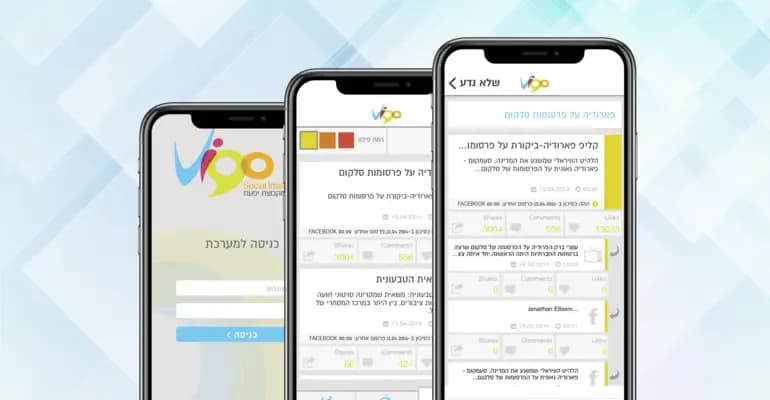
Native iOS and Android apps for the Yifat group: Vigo for managing communication crises, Info Buzzer for real-time media alerts, and Tenders Mobi for tracking public tenders.
Vigo: an app for managing communication crises, built for Android and iOS
Info Buzzer: alerts across radio, TV and the internet the moment a relevant item appears
Tenders Mobi: every relevant public tender in one place, with its source
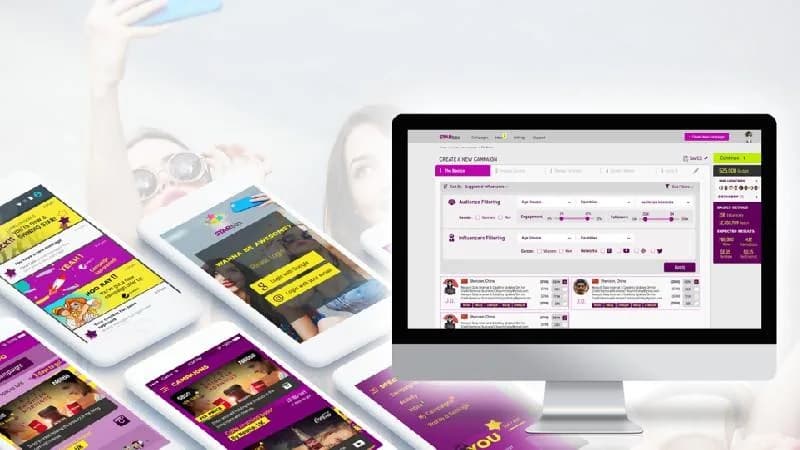
A web application for an ad-tech company that connects brands with opinion leaders, analyzes influencers' followers for authenticity, and runs influencer campaigns with full automation.
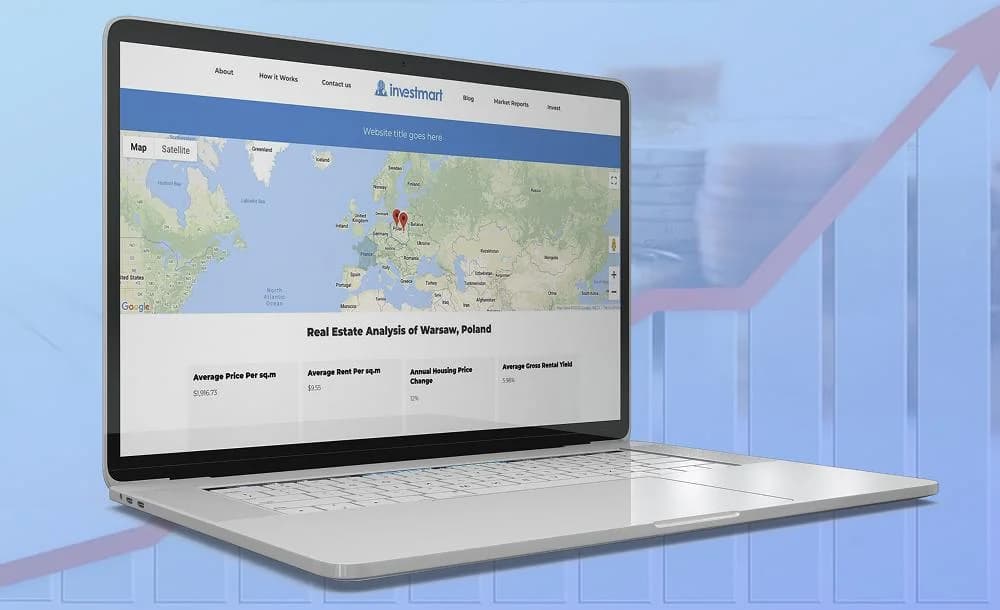
A web application for an international investment company: visitors explore a world map down to city level, see the company's data for each area and contribute Wikipedia-style insights that go live after admin approval.
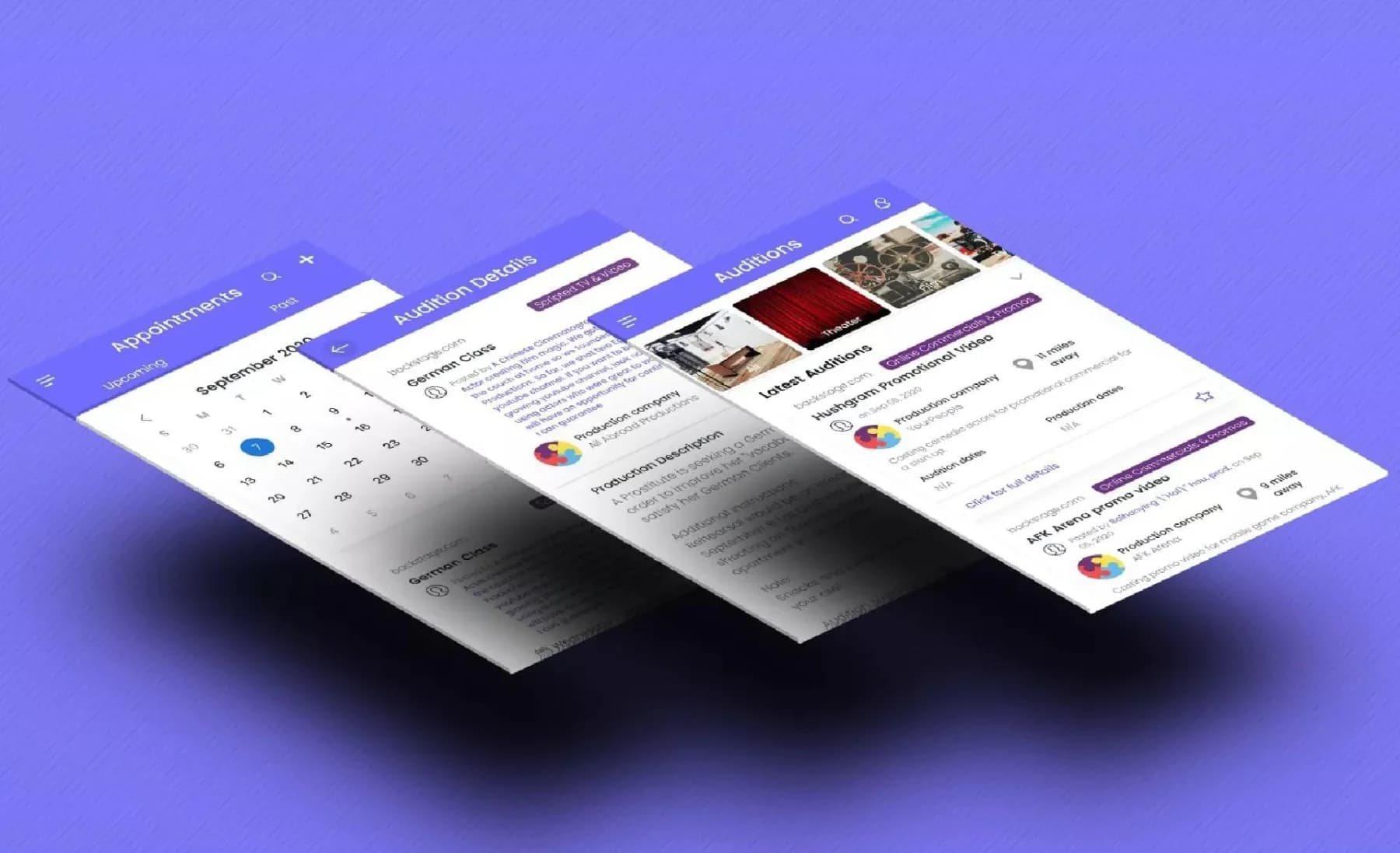
An iOS app for actors in the US — mainly Los Angeles and New York — that scans leading audition sites, shows only relevant auditions, and tracks applications, results and contacts.
(10)FAQ
ProductDesign&UI/UX:yourquestions.
Can we hire you for design only?
Yes. UX audits, redesigns, prototypes and design systems are available on their own, without a development project or a development package. We hand over files, components and acceptance criteria your team can build from.
Do you use AI to design our product?
We use AI to explore faster: synthesizing research you already have, generating layout and content options and drafting variations. Designers choose, refine and validate. AI doesn't replace user research; when we need new insight, we plan research with you and run it with real people.
Can you improve the design of a product that's already live?
Yes. A UX audit reviews the current product using analytics, support issues and usability findings, then prioritizes improvements that can ship step by step without a full redesign.
How do you make sure the built product matches the design?
Every design comes with acceptance criteria for its flows and states. QA tests against them, and designers review the built product before release.
Will the designs be accessible?
We design to WCAG criteria for contrast, structure, focus order and keyboard use, and QA verifies the built product. Ontario's AODA requires WCAG 2.0 Level AA for organizations with 50+ employees and the public sector; we recommend WCAG 2.2 as the working standard.
Do we need a design system?
If several people or teams will build on the product over time, usually yes. A small, well-documented set of components and tokens keeps the product consistent and makes new features faster to design and build.





 Case study