



Skip to content

Enterprise Application Integration

Enterprise application integration that makes your systems work as one

Your CRM, ERP, online store and finance tools should speak the same language. We map your systems, remove bottlenecks and build secure, tested integration layers so information moves as fast as your business does.

What you get

  • No more double entry. Data is captured once and flows everywhere it's needed — accurately.
  • Real-time visibility. Stock, orders and finances you can trust, across every platform.
  • Fewer silos. Teams collaborate on shared, consistent information instead of spreadsheets.

(01) Overview

Part of our Software & App Development capability.

Disconnected systems are expensive: orders re-keyed by hand, stock levels that don't match, invoices that go out late and reports nobody trusts. Enterprise application integration replaces those fragmented workflows with unified, monitored data pipelines.

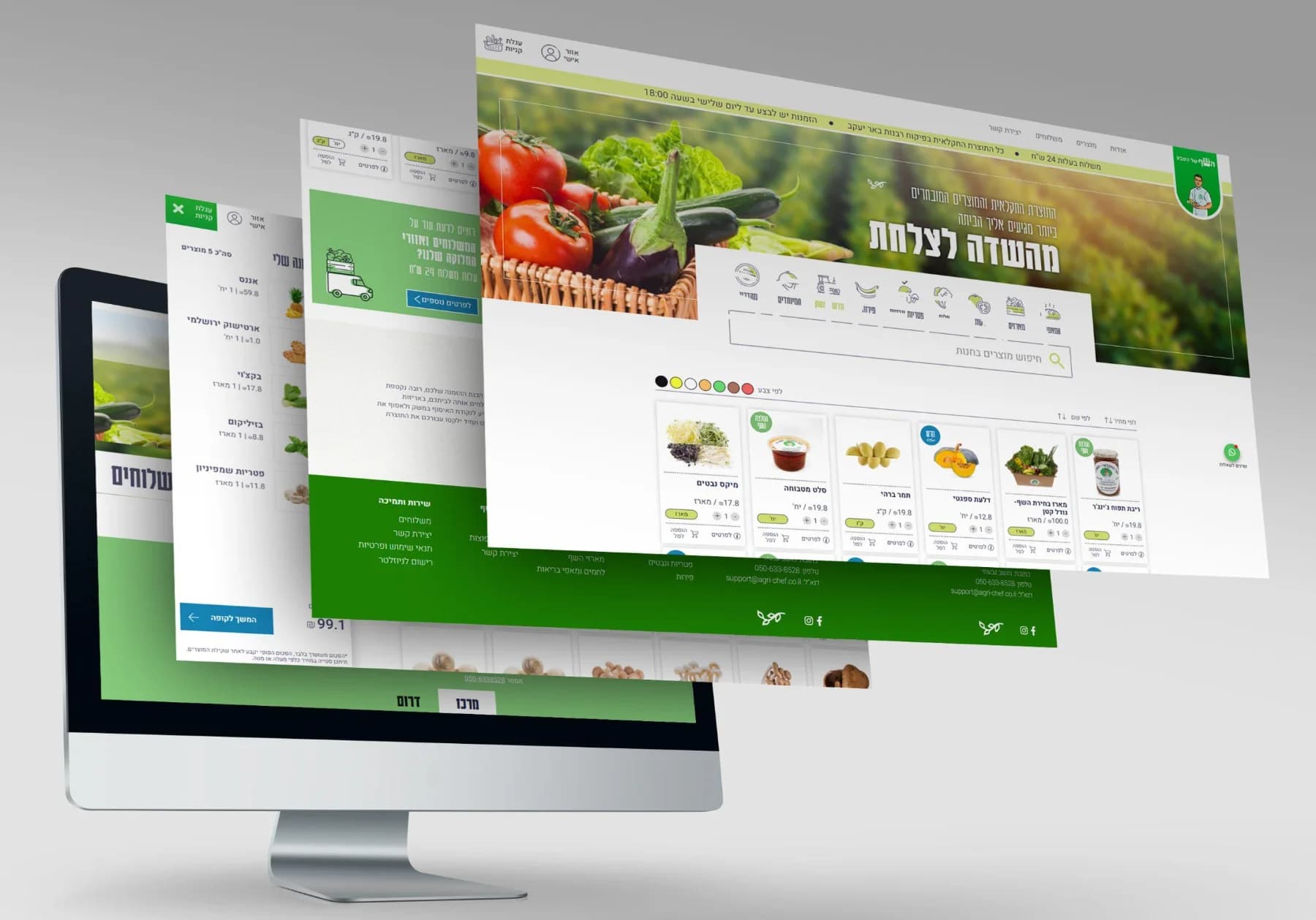
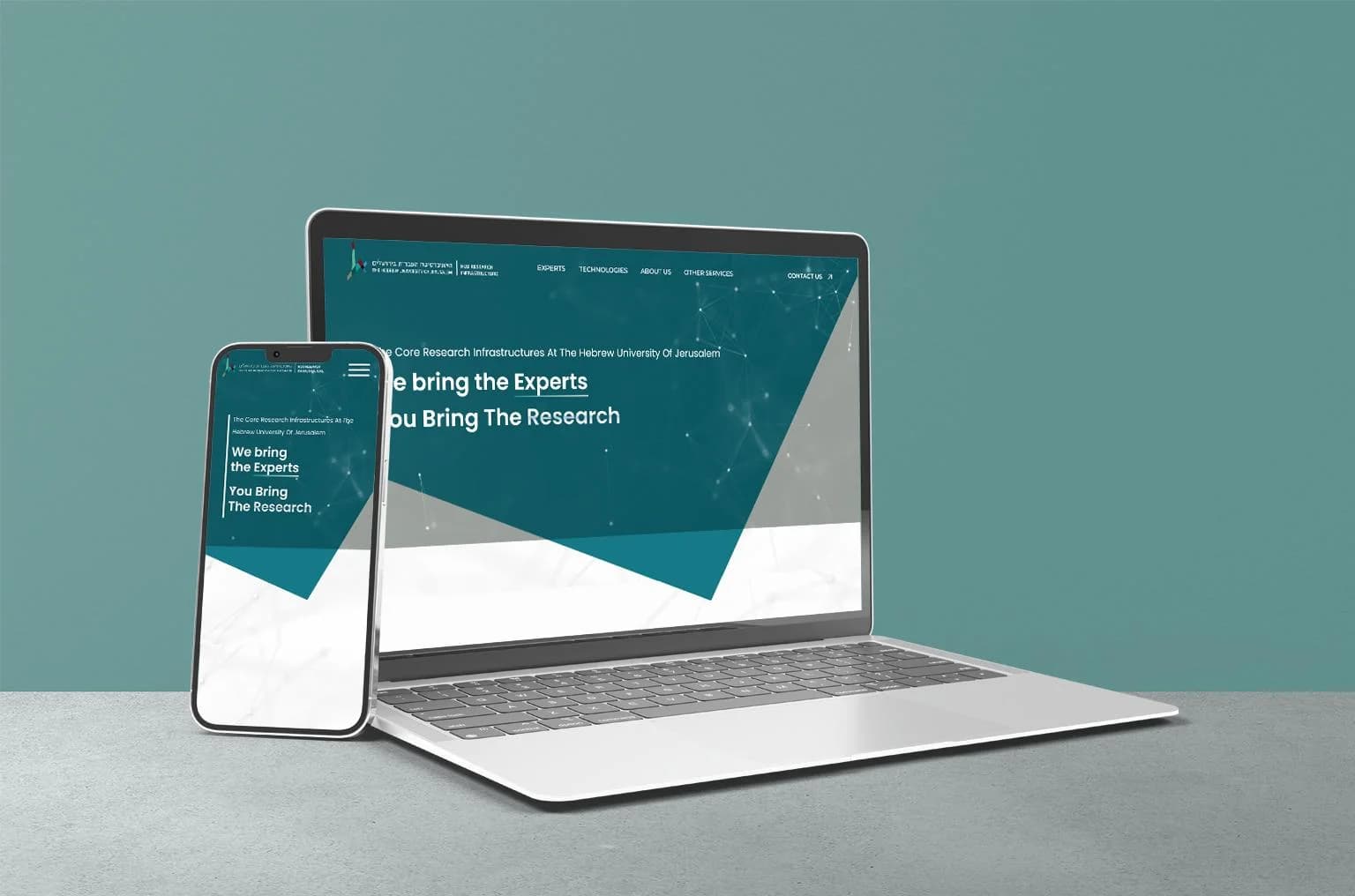
We've connected online stores to the Priority ERP and to weighing carts so a farm knows exactly what was ordered, weighed and shipped; synchronized real-time stock status to storefronts; and pulled institutional data into a university research portal through APIs. The pattern is always the same: map the systems, design a resilient integration layer, and minimize downtime while we switch it on.

Is this the right service?

Choose enterprise integration when

  • Data is re-keyed between your ERP, CRM, store or finance systems
  • You need reconciliation, retries and recovery when one system fails or changes
  • Systems you don't control must stay in sync with ones you do

Consider instead

(02)Deliverables

What's included in enterprise integration.

  • 01

    ERP integration

    Connect your ERP (for example Priority) to eCommerce, warehouse, finance and customer-facing systems.

  • 02

    CRM & marketing automation

    Sync leads, customers and activity between your CRM, website, marketing tools and support desk.

  • 03

    Payments & invoicing

    Payment processing, instalment plans and automatic invoice issuing wired into your order flow.

  • 04

    Inventory & logistics sync

    Real-time stock, pricing and shipping status across stores, marketplaces and warehouses.

  • 05

    Middleware & integration platforms

    Cloud-native middleware, message queues and iPaaS setups that decouple systems and scale safely.

  • 06

    Data migration & modernization

    Move data out of legacy systems without losing history, and modernize integrations step by step.

(03)Contracts and failure paths

Designed for the day a system says no.

An illustrative order integration between an online store and an ERP. The contract states what each side promises; the failure paths state what happens when one side doesn't deliver.

Illustrative example

The contract

order_id
Unique, and reused on retries, so the ERP never books an order twice
lines[].sku
Must exist in the ERP; unknown SKUs go to review, not to the warehouse
totals
Recalculated and reconciled; a mismatch stops the sync and raises an alert
status
Moves forward only: received, picked, shipped, invoiced

Failure paths

The ERP doesn't respond
Retry with backoff, then park the order in a queue and alert
The same order arrives twice
Recognized by its ID and ignored, not booked twice
Data fails validation
Quarantined with the reason, so it's fixed once
A sync fails overnight
Replayed from the queue once the cause is fixed, with a reconciliation report

(04)AI & responsibility

How AI assists integration work.

Where AI helps

  • Reading API documentation and legacy data formats to draft field mappings
  • Generating connectors and transformation code for review
  • Producing reconciliation and edge-case tests
  • Summarizing integration logs when a job fails

What our experts own

  • Data contracts and the integration architecture
  • Failure handling, retries and duplicate protection
  • Security of credentials and data in transit
  • Go-live and cutover plans

(05)Our process

How we deliver enterprise integration.

  1. 01

    Map your systems

    Inventory the applications, data flows, owners and pain points across the business.

  2. 02

    Design the integration layer

    Choose APIs, middleware or events, define data contracts and plan for failure.

  3. 03

    Build the connectors

    Develop and secure the integrations, with retries, logging and alerting built in.

  4. 04

    Test with real data

    Validate edge cases, volumes and reconciliation before go-live.

  5. 05

    Monitor & maintain

    Dashboards and alerts catch issues early; we evolve integrations as systems change.

(06)Connected capabilities

Connected work, one accountable team.

How the other capabilities support enterprise integration on a project.

  • QA & Release Assurance

    Reconciliation tests with realistic volumes and failure cases run before go-live, and on every change after.

  • DevOps & Managed Operations

    Integration jobs get monitoring, alerts and documented recovery steps, so a failed sync is caught and replayed quickly.

How we build with AI

Choose how AI is used while we build.

Integrations touch sensitive business data, so choose the development approach that fits your policies for code and data access.

(07) Tools & technologies

  • REST & GraphQL APIs
  • Webhooks
  • Priority ERP
  • Node.js
  • PHP
  • Message queues
  • Make / Zapier
  • SQL
  • Cloud functions

(08)Industries

Where this matters most.

(09)Proof

Gato — project mock-up on desktop and mobile screensCase study

Gato· Fashion· eCommerce

Gato: one fashion brand, three storefronts — web, mobile apps and a private wholesale portal

An online store, two native shopping apps and a password-protected wholesale catalog for a contemporary fashion brand that sells to both consumers and trade buyers.

  • Online store for the brand's consumer collection
  • Two native shopping apps — one for iPhone, one for Android
  • Password-protected wholesale catalog with carton pricing, prices with and without VAT and per-unit breakdowns
Read the Gato case study
TennisGuys — project mock-up on desktop and mobile screens

TennisGuyseCommerce · Sports

TennisGuys

An online store dedicated exclusively to tennis — rackets, shoes, balls, apparel and accessories from leading brands — built on Shopify and adapted to the company's additional systems.

(10)FAQ

Enterprise Integration: your questions.

What is enterprise application integration (EAI)?

EAI is the practice of connecting separate business applications — ERP, CRM, eCommerce, finance, HR — so they share data and trigger each other's processes automatically, instead of relying on manual exports and re-keying.

Can you integrate with our ERP?

Very likely. We've integrated online stores with the Priority ERP (including weighing carts and automatic invoicing) and work with any system that exposes an API, database access or file-based exchange. We start by reviewing what your ERP supports.

Should we use point-to-point APIs or middleware?

Direct API connections are fast and cheap when you connect two or three systems. As the number of systems grows, middleware or an event-driven layer keeps integrations maintainable and prevents one change from breaking everything. We'll recommend the simplest architecture that will still hold up in two years.

What happens when one of the connected systems changes?

Integrations are built with versioned data contracts, monitoring and alerting, so changes are detected early. We can maintain the integrations on an ongoing basis and adapt them as your systems evolve.

Next step

Let's talk about your enterprise integration project.

Tell us what you're building. We'll come back with practical next steps, a realistic plan and an honest estimate.