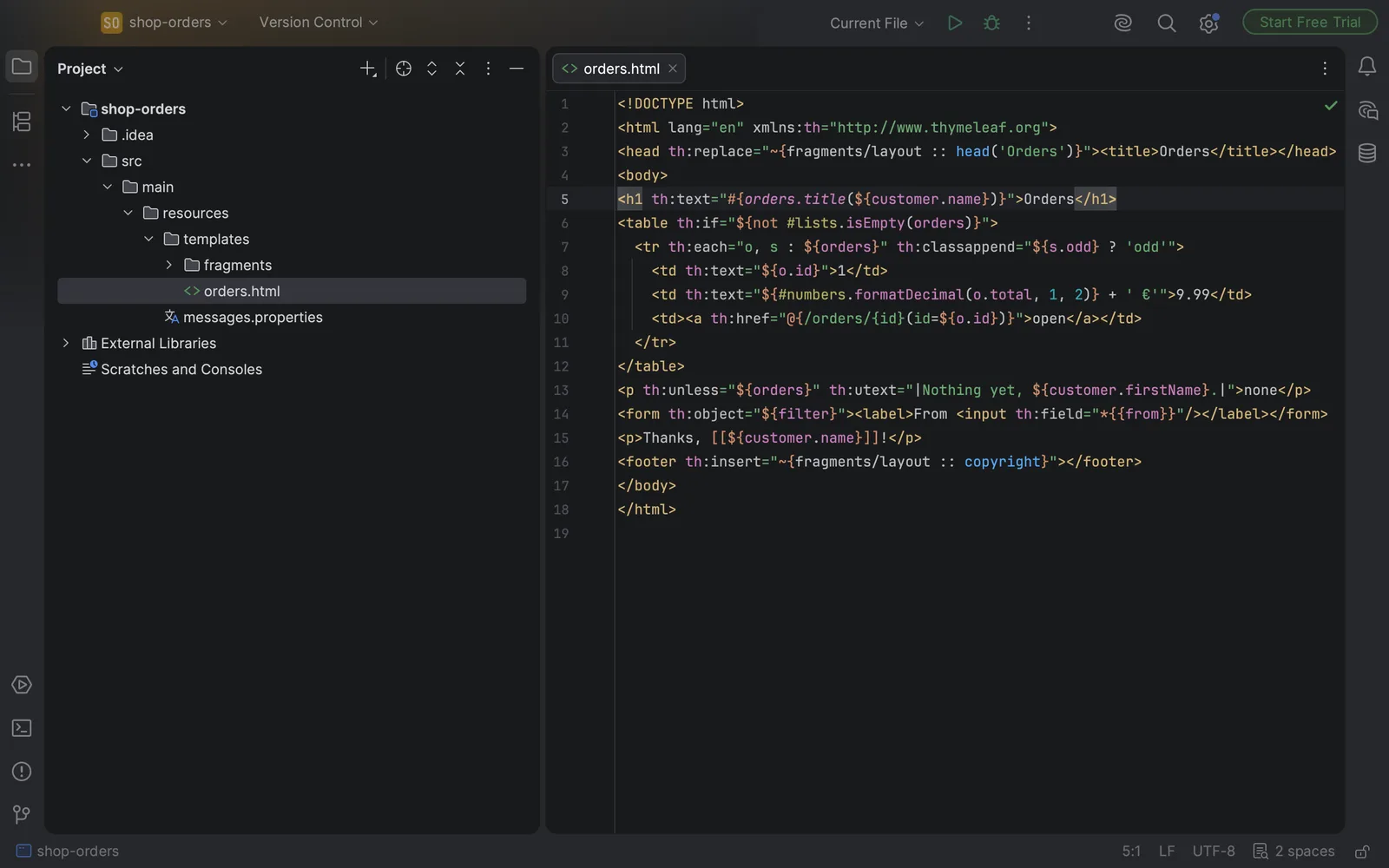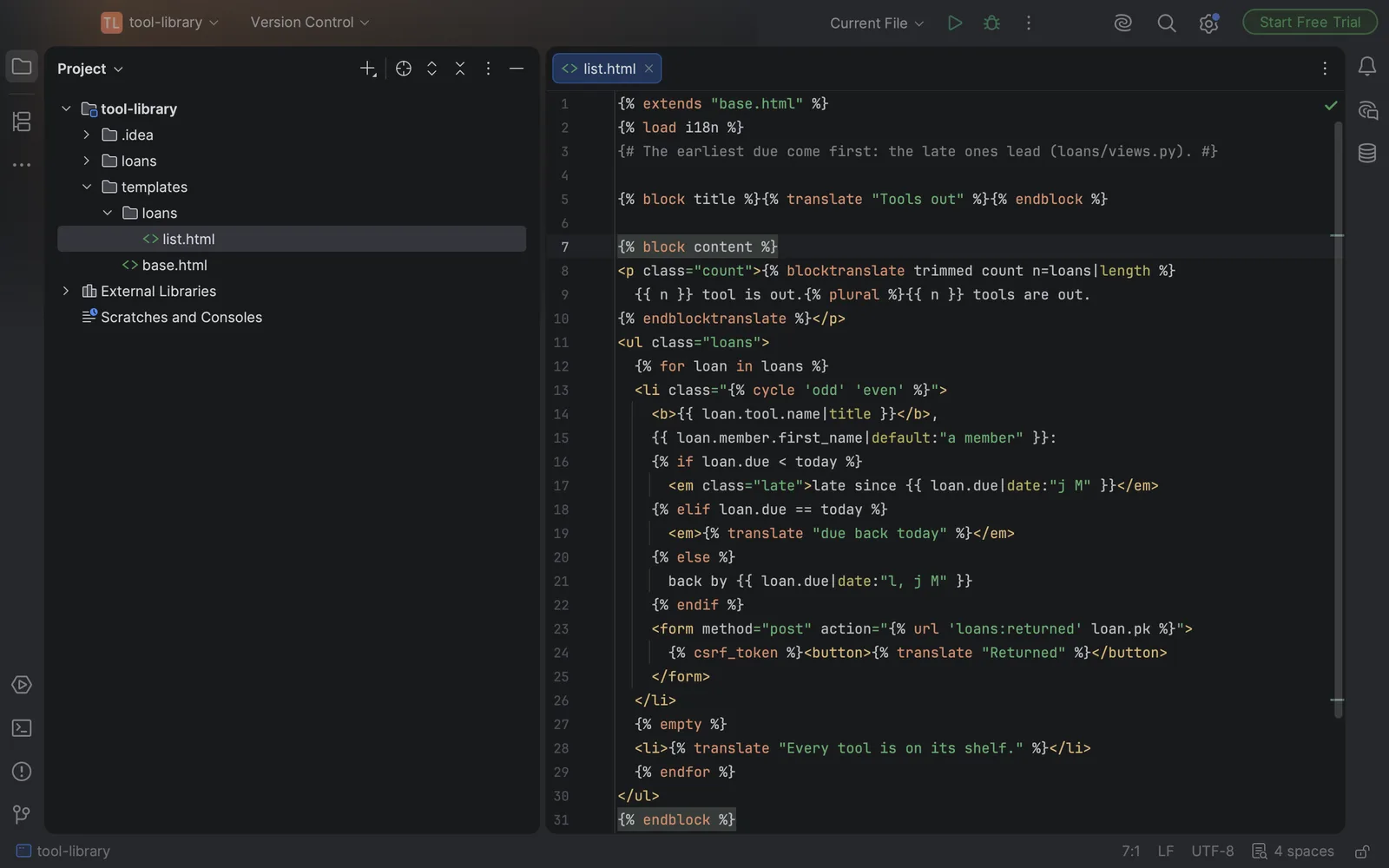
Open a Django template in the free PyCharm and the HTML is coloured, but the {% … %} tags and {{ … }} variables are just text sitting between the HTML. Nothing pairs an {% if %} with its {% endif %}, nothing folds a block, and nothing notices a tag that was never closed. "PyCharm not recognizing Django template tags" comes up again and again on JetBrains' support forum, and in the free PyCharm the reason is simple.
Why the free PyCharm doesn't do it
Since PyCharm 2025.1, Community and Professional are one product. The core is free and a Pro subscription adds the rest. JetBrains' getting-started guide lists Django, Flask and Pyramid development under Pro. A new install starts with a 30-day Pro trial, and after that you either subscribe or keep the free core, which doesn't read Django templates. Older PyCharm Community Edition releases never had Django support either.
If you do have Pro and tags still aren't recognised, check Settings → Languages & Frameworks → Template Languages and make sure the project's template language is Django. JetBrains support has pointed people to that setting in those forum threads.
A typical way it costs you
You're splitting a long list template and move the rows into an include. The {% for %} stays in the page and its {% endfor %} goes with the rows. Everything looks fine in the editor, because to the editor it's all text. Then you load the page and Django stops with a TemplateSyntaxError that points somewhere else:
Invalid block tag on line 31: 'endblock', expected 'empty' or 'endfor'. Did you forget to register or load this tag?The message blames the {% endblock %} at the bottom of the file and asks whether you forgot to load a tag library. The real problem is the {% for %} twenty lines up that lost its end tag. Django keeps reading until it meets a tag the open loop doesn't expect, and reports that one. You only find this in the browser, one page at a time, and in a template that's mostly HTML a missing end tag is easy to miss on a read-through.
Options without Pro
Live templates for the tags you type most
PyCharm's live templates are free and they work in HTML files. Under Settings → Editor → Live Templates you can add an abbreviation that expands to, say, {% block $NAME$ %}$END${% endblock %}, so the end tag is written for you. If you'd rather start from a ready-made set, Djaneiro for PyCharm on JetBrains Marketplace is a free collection of live templates for common Django patterns, templates included. Its last update was in 2017, so check that it installs in your version. Either way, they help you type tags. They don't colour or check them.
A custom file type (not a good trade)
You could map your templates to a custom file type with Django's tags as keywords. The catch is that a file has one type, so your templates would lose PyCharm's HTML support. For files that are mostly HTML, that's a bad trade.
Oskuvi Template Tags
We make this plugin, so read this part knowing that.
Oskuvi Template Tags makes the editor read the template language of the Django web framework inside your HTML files. The file stays an HTML file, with HTML's own support, and the plugin lays its colours over it.
Tags, variables and comments get their own colours. With the caret in a tag that opens, divides or closes a block, all of that block's tags are highlighted, so if, elif, else and endif light up together. Blocks fold.
It also completes Django's built-in tags (with the i18n, static, l10n, tz and cache libraries) and its 57 built-in filters, goes from extends, include and static to the files they name, and checks for tags that aren't closed. That check is the one that would have flagged the missing {% endfor %} above, in the editor. You can try the plugin free for 7 days through JetBrains Marketplace; after that it needs a licence.
A few things to know:
- An HTML file under a folder named
templatesis treated as a template. Any other HTML file is one when a{% … %}tag appears in its first 8,192 characters. A page that only has{{ … }}is left alone, because other frameworks use the same braces. - Where JetBrains' own Django plugin is running, as in PyCharm with a Pro subscription, Oskuvi Template Tags steps aside.
- It doesn't read your Python views, so it doesn't complete variable names from a view's context.
- Flask projects keep their Jinja templates in a
templatesfolder too. The plugin doesn't claim to understand Jinja. It was tested on a set of real Jinja templates to make sure it doesn't call them wrong, but Jinja isn't what it's for.
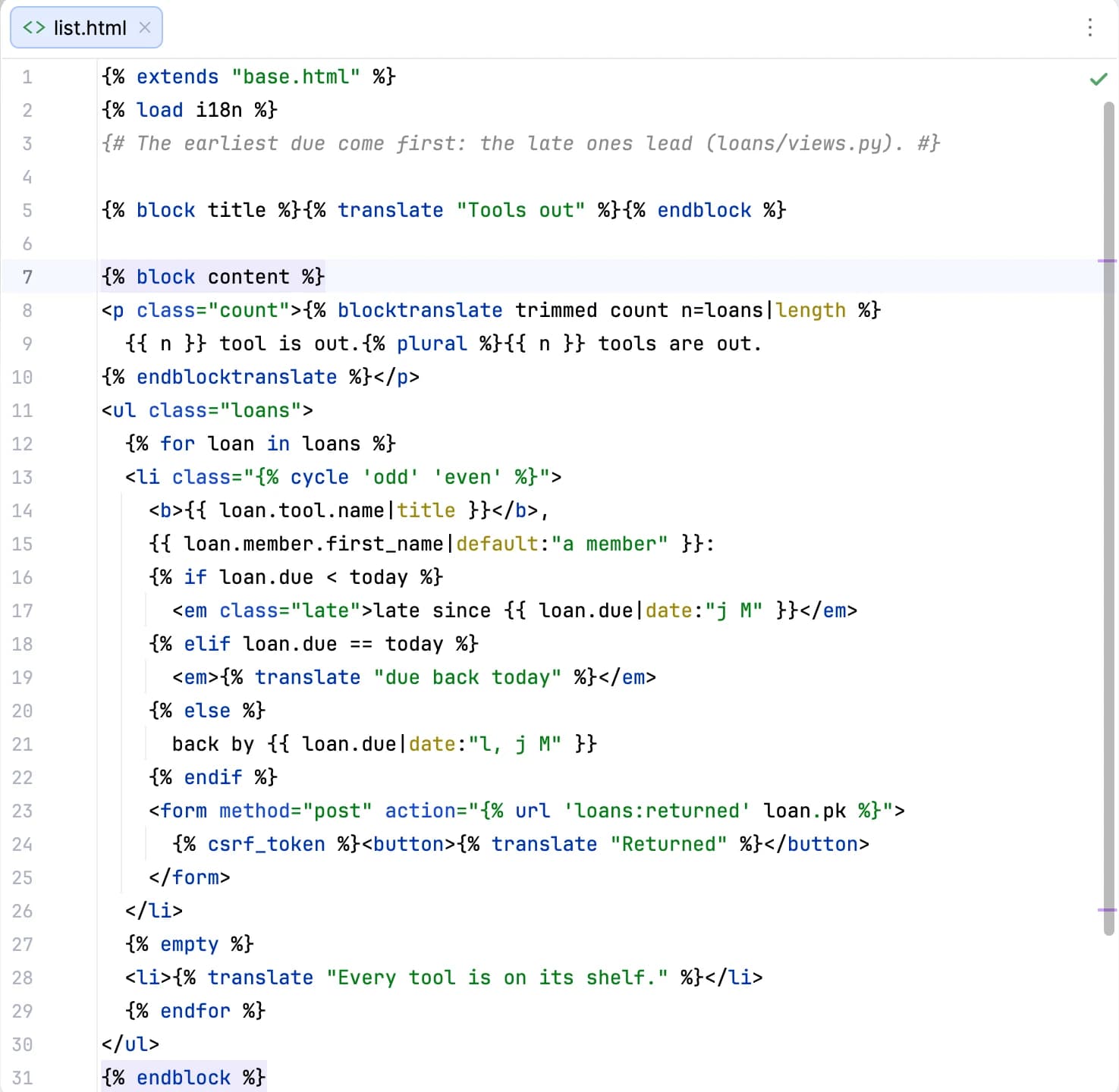
To install it, open Settings → Plugins → Marketplace, search for "Oskuvi Template Tags" and click Install, or start from its page on JetBrains Marketplace. It works in PyCharm, IntelliJ IDEA and the other JetBrains IDEs from version 2025.1. It only reads your files. It contacts no address and sends nothing anywhere.
Which way to go
If Django is your day job and the Pro subscription fits, JetBrains' own Django support goes well beyond templates. Its plugin listing also names code insight for the ORM, live preview of templates and debugging of templates. If you're staying on the free PyCharm, live templates save typing, and Oskuvi Template Tags makes the templates readable and catches unclosed tags before the browser does.
Building a Django product or taking one over? Designing, building and running web platforms is what our software and app development team does. Thymeleaf users run into the same gap in the free IntelliJ IDEA, which we cover in Thymeleaf support in IntelliJ IDEA Community Edition. Our other plugins for JetBrains IDEs are on the products page.
Django is a registered trademark of the Django Software Foundation. Oskuvi Template Tags is made by NPCoding and is not affiliated with, or endorsed by, the Django Software Foundation. JetBrains, IntelliJ IDEA and PyCharm are trademarks of JetBrains s.r.o.